



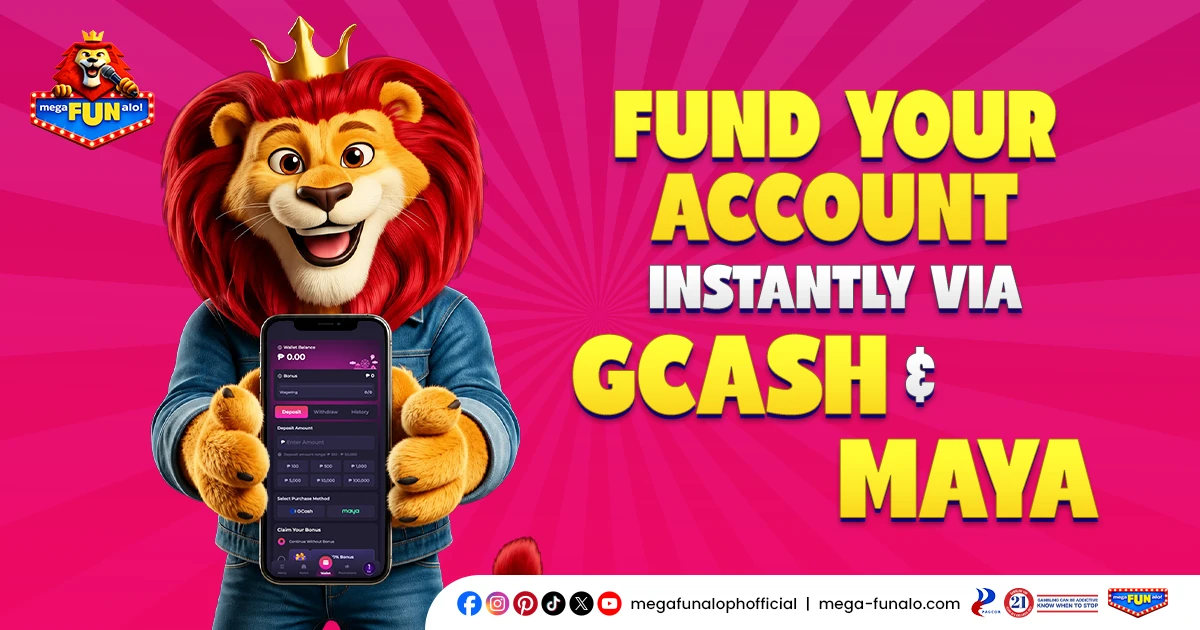
Making a deposit on MegaFUNalo is fast, secure, and hassle-free. We support the most widely used payment methods in the Philippines — so whether you prefer GCash, Maya, Dragonpay, or QR Ph, funding your account takes just a few steps. This page covers everything you need to know about the MegaFUNalo deposit process, from available payment methods to step-by-step instructions and common issues.
MegaFUNalo Deposit Methods
We currently support the following payment methods for deposits:
GCash
The most widely used e-wallet in the Philippines. Fast, convenient, and available 24/7.
Maya
A trusted digital payment platform that allows instant deposits directly from your Maya account.
Dragonpay
A reliable online payment gateway that supports a wide range of banks and payment channels across the Philippines.
QR Ph
A quick and convenient QR code-based payment method that works with any QR Ph-enabled banking app.
All payment methods are trusted, secure, and widely used by Filipino players every day.
Why Deposit at MegaFUNalo?
Funding your MegaFUNalo account is designed to be as quick and convenient as possible. Deposits are credited to your account instantly — no waiting, no delays. With a low minimum deposit of just ₱100, you can get started without breaking the bank. And with preset deposit amounts available, funding your account takes just one tap.
How to MegaFUNalo Deposit: Step-by-Step Guide
Making a deposit is straightforward. Here’s how:
Step 1: Log in to your account
Access your MegaFUNalo account on desktop or through the app.
Step 2: Go to your Wallet
Tap or click the “Wallet” section and select “Deposit”.
Step 3: Select your preferred payment method
Choose from GCash, Maya, Dragonpay, or QR Ph.
Step 4: Enter your deposit amount
Key in the amount you wish to deposit. The minimum deposit is ₱100 and the maximum is ₱50,000. You can also select from the preset amounts: ₱100, ₱500, ₱1,000, ₱5,000, ₱10,000, or ₱100,000.
Step 5: Claim Your Bonus
Choose whether to claim an available bonus or continue without one before proceeding.
Step 6: Tap “Deposit”
Confirm your transaction and follow the on-screen instructions to complete the payment through your chosen payment method.
Step 8: Funds credited
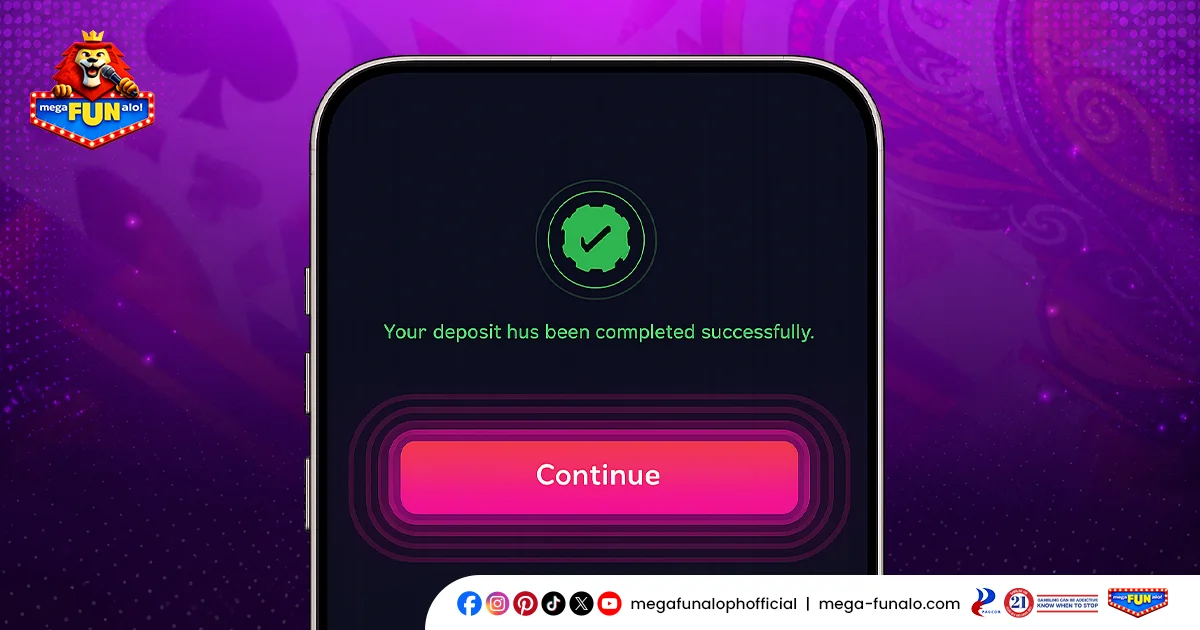
Once confirmed, your deposit will be credited to your account instantly so you can start playing right away.
MegaFUNalo Deposit Limits and Processing Time
All deposit methods share the same limits and processing time:
- Minimum Deposit: ₱100
- Maximum Deposit: ₱50,000
- Processing Time: Instant
Once your deposit is confirmed, funds are credited to your account immediately — no waiting, no delays. You can get straight to the games right away.
Common MegaFUNalo Deposit Issues and How to Fix Them
Deposit Not Reflecting in Your Account
If your deposit isn’t showing up after a few minutes, check your GCash or Maya transaction history to confirm the payment was successful. If the payment went through but your balance hasn’t updated, contact our 24/7 customer support team with your transaction reference number for immediate assistance.
Payment Failed or Declined
This can happen due to insufficient balance, network issues, or exceeding your e-wallet’s transaction limit. Check your GCash or Maya balance and try again. If the issue persists, try switching to the other available payment method.
Minimum Deposit Not Met
The minimum deposit on MegaFUNalo is ₱100. Make sure your deposit amount meets this requirement before proceeding.
Maximum Deposit Exceeded
The maximum deposit per transaction is ₱50,000. If you need to deposit more, you can make multiple transactions.
Page Not Loading or App Freezing
Check your internet connection and try refreshing the page or restarting the app. If the issue persists, clear your browser cache or reinstall the MegaFUNalo app.
Tips for a Smooth MegaFUNalo Deposit Experience
Make sure your GCash or Maya account is verified
Unverified e-wallet accounts may have lower transaction limits that could affect your deposit.
Check your e-wallet balance before depositing
Ensure you have sufficient funds in your GCash or Maya account before initiating a transaction.
Always deposit from your own account
MegaFUNalo only accepts deposits from payment methods registered under your own name.
Claim your bonus before depositing
If you’re eligible for a promotion, make sure to select your bonus before completing your deposit to ensure it gets activated.
Keep your transaction reference number
In case of any deposit issues, having your transaction reference number ready will help our support team resolve your concern faster.
Use a stable internet connection
A strong and stable connection prevents transaction interruptions and ensures your deposit goes through smoothly.
Ready to Play? Make Your MegaFUNalo Deposit Now
Funding your MegaFUNalo account is quick, secure, and hassle-free. With a minimum deposit of just ₱100 and trusted payment methods like GCash and Maya, getting started has never been easier. Log in, head to your Wallet, make your MegaFUNalo deposit, and dive straight into the action!
Frequently Asked Questions (FAQs)
What payment methods are available for MegaFUNalo deposits?
We currently support GCash and Maya for deposits on MegaFUNalo.
What is the minimum deposit on MegaFUNalo?
The minimum deposit is ₱100.
What is the maximum deposit on MegaFUNalo?
The maximum deposit per transaction is ₱50,000. If you need to deposit more, you can make multiple transactions.
How long does a MegaFUNalo deposit take to process?
All deposits are processed instantly. Your funds will be credited to your account immediately after your transaction is confirmed.
What should I do if my MegaFUNalo deposit is not reflecting?
Check your GCash or Maya transaction history to confirm the payment went through. If the payment was successful but your balance hasn’t updated, contact our 24/7 customer support team with your transaction reference number for immediate assistance.